Sorting Records

Sorting arranges your data in order:
| Field type | Sort order |
|---|---|
| Text based types | Alphabetical, (A → Z) or (Z → A) |
| Numerical types | Ascending or descending |
Single select | Alphabetical, or the order of the options of the field |
NocoDB supports nested sorting. You select the fields and the order in which NocoDB applies them.
Copy a prompt, paste it into NocoAI in any base, and replace the words in [brackets] with your own.
- Sort this view by [Due Date], earliest first
- Sort this view by [Priority], then by [Created] with the newest first
- Remove all sorts from this view
Add or edit sort
- In the toolbar menu, click
Sort. - Select the
Fieldto sort by. - Set the sort
Direction: ascending or descending. - To sort by more fields, use
+ Add Sort Option.
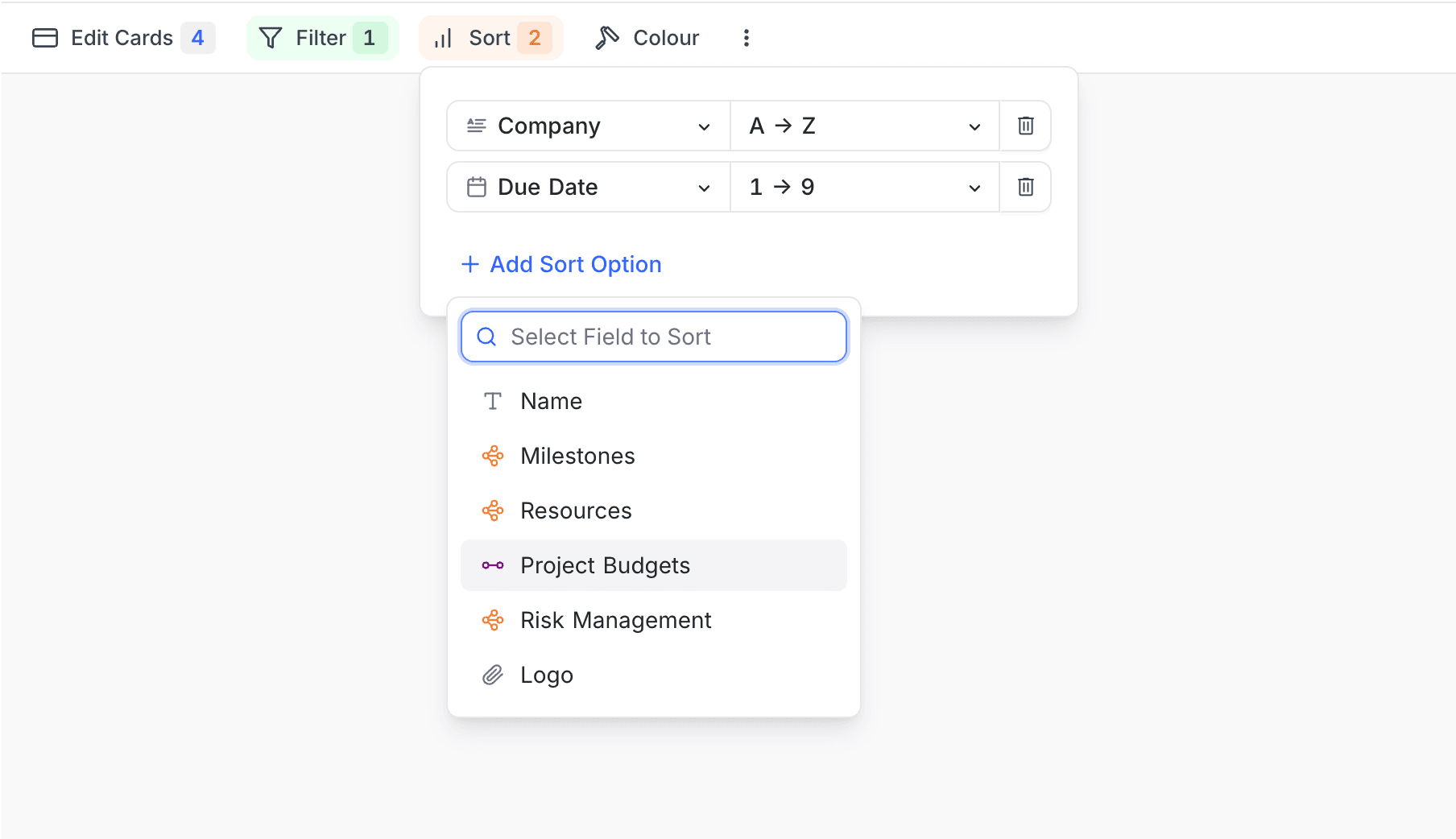
Sort a Single select field by option order
A sort on a Single select field orders records by the option text, from A to Z. To order them by the position of the options in the field instead, set the third dropdown of the sort row to Option order. The dropdown starts at Alphabetical, and it shows only on Single select fields.
A record whose value is not one of the options of the field comes after all the options, in both ascending and descending order. If you change the sort to a field of another type, NocoDB sets the order back to Alphabetical.
Enable or disable a sort condition ☁
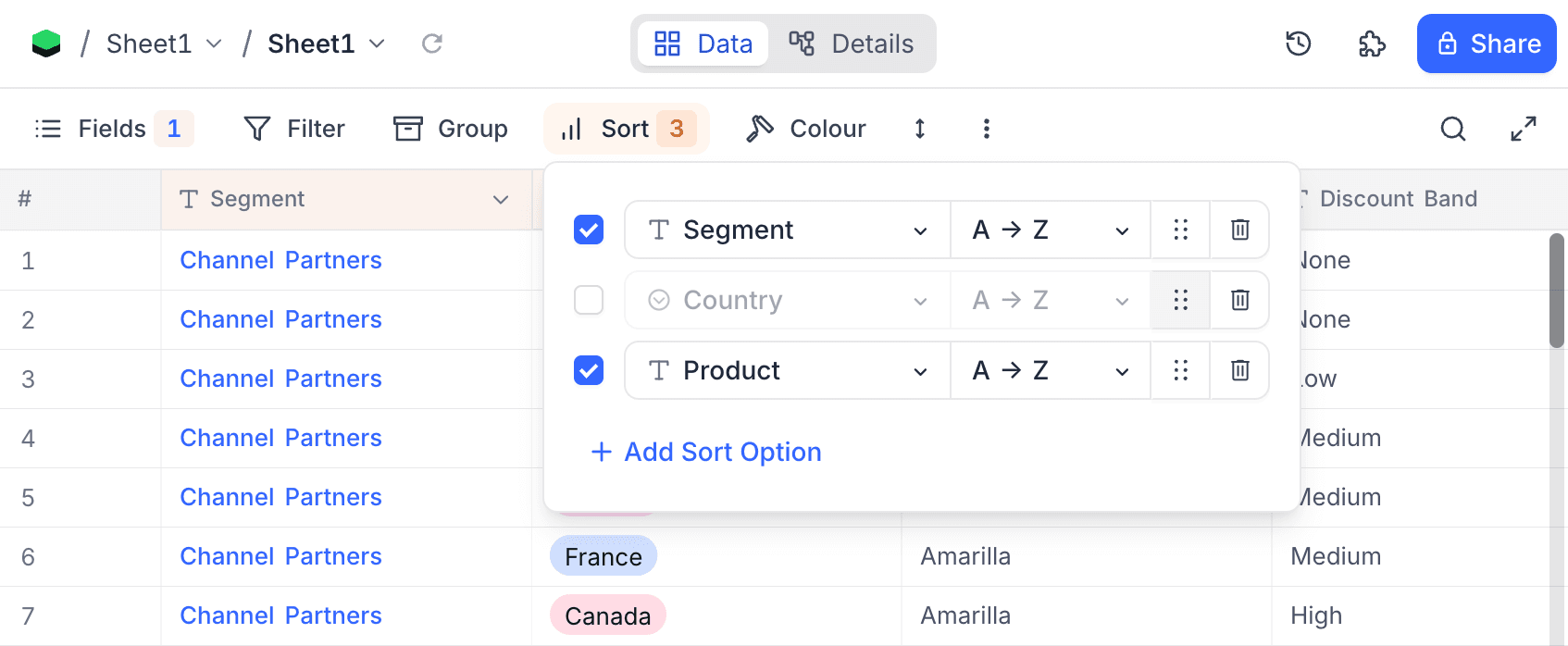
Each sort condition row has a checkbox. Use it to turn the condition off or on without deleting it. Disable a condition to remove it from the sort for a time. Enable it again later to restore the same configuration. In the example below, the Country sort is disabled, and Segment and Product stay active.
Reorder sort conditions ☁
Each sort condition row has a drag handle (the dotted icon next to each row in the image above). Drag a row up or down to change the priority of your sort conditions. NocoDB applies the topmost condition as the primary sort.
Delete sort
- In the toolbar, click
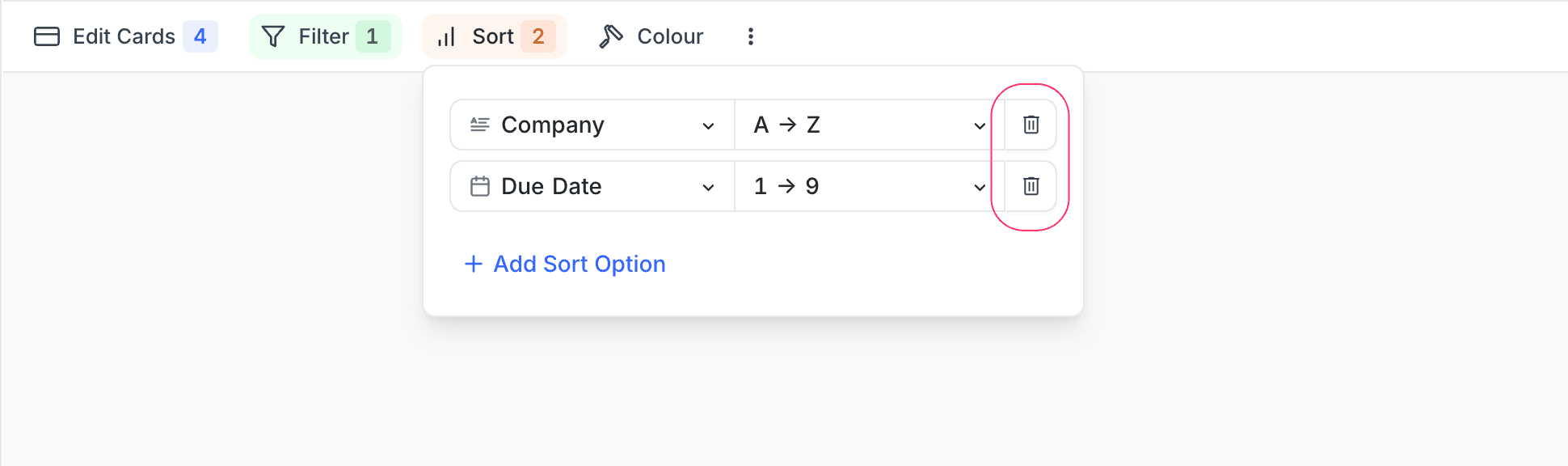
Sort. - Click the trash / bin icon to the right of the sort to delete.
Last updated on