If-Else
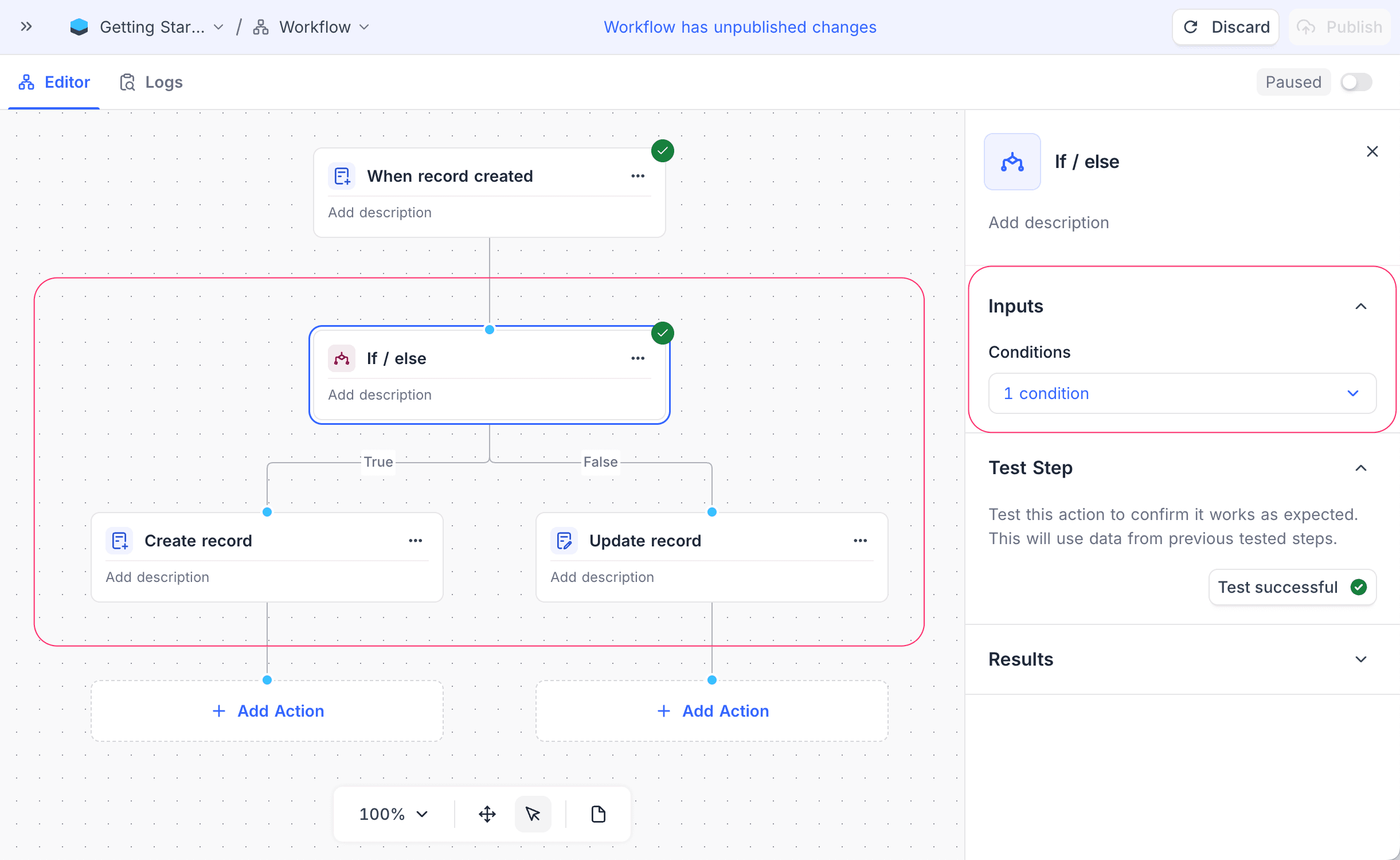
Use the If-else node in NocoDB workflows to create conditional branches. The node evaluates a condition. If the condition is true, the workflow follows one path. If the condition is false, the workflow follows a different path.
Ask NocoAI
Copy a prompt, paste it into NocoAI in any base, and replace the words in [brackets] with your own.
- When a [deal] is added, email [the sales lead] if [Amount] is over [10000], otherwise email [the rep]
- When a [ticket] is created, set [Priority] to [High] if [Plan] is [Enterprise]
- When [Status] changes, email [the Owner] only if [Due Date] has passed
Configuration
- Conditions: Define the criteria that the node evaluates. You can use one or more conditions with logical operators (AND/OR). For complex conditions, you can also create filter-groups. The conditions can use data from previous nodes in the workflow.
A condition can use a Single select or Multi select field. Then the comparison operators match the field type. You do not type the comparison value as free text. You select it from the options of the field, which show as colored chips. To change between a Static condition (a fixed option) and a Dynamic condition (a value from an earlier step, as a {{ }} variable), click the gear icon on the condition.
How it works
- The If-else node evaluates the defined conditions.
- If the conditions are true, the workflow follows the "True" branch.
- If the conditions are false, the workflow follows the "False" branch.
Use cases
- Send different notifications based on record status
- Update records in different ways based on specific criteria
- Send tasks to different teams based on priority levels
Availability
- Available on NocoDB Cloud (all plans) and licensed on-premise deployments.
Last updated on
Latest product updates?See Changelog